Samsung's One UI 7 Updates with AI Features and Enhanced Personalization
 Facebook
 Twitter
 LinkedIn
 WhatsApp
Summary: Samsung launches One UI 7, which will bring AI-powered capabilities and a redesigned interface to a few Galaxy smartphones on April 7, 2025.
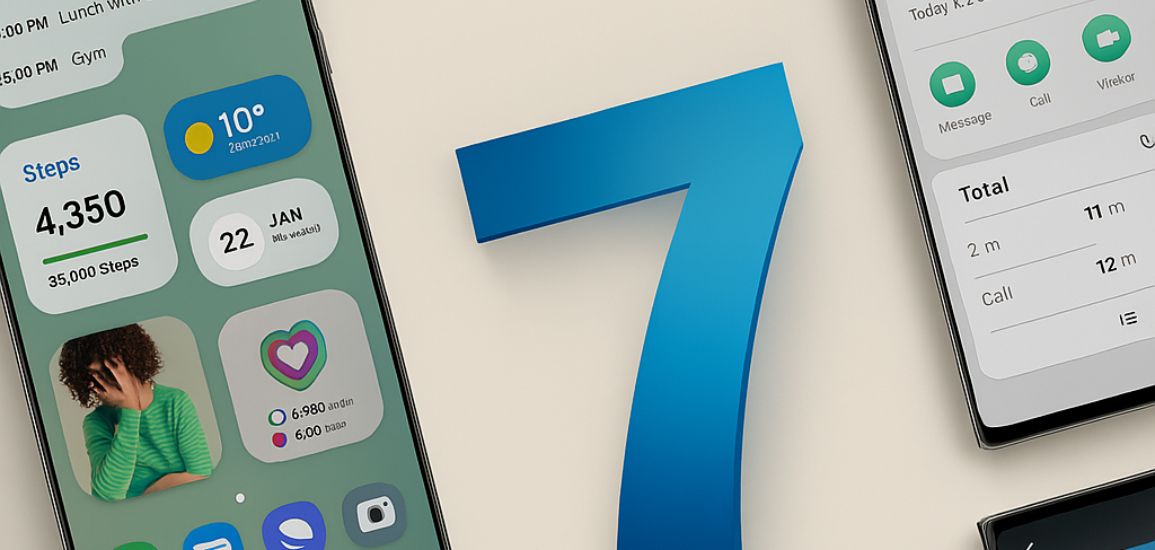
Samsung has officially commenced the rollout of its latest software update, One UI 7, on April 7, 2025. With the goal of giving Galaxy users a more simplified and personalized experience, this update includes features like improved user interface components, a revamped home screen, and sophisticated AI technologies.
Key Features of One UI 7:
AI-Driven Personalization: The update introduces AI tools designed to adapt to user behavior, offering a more customized experience.
Revamped Home Screen and Widgets: A revamped home screen with updated widgets that offer more information quickly will be visible to users, enhancing usability and accessibility.
Enhanced Notification System: The new "Now Bar" feature offers a more organized and interactive notification experience, allowing users to manage alerts more efficiently.
AI Select & Writing Assist: These tools allow users to easily make GIFs from videos and help with automatic text formatting and summarization, improving productivity.
Noise Eraser: A notable improvement in camera features, Audio Eraser allows users to either separate or remove unwanted audio from video clips, leading to improved sound clarity.
Eligible Devices:
Several foldable devices, including the Galaxy Z series and the Galaxy S24 series, were among the first to get One UI 7. Additionally, Samsung declared that the update will be available starting on April 14 for earlier devices, including the Galaxy S22 series, Galaxy Flip 4, and Fold 4.
How to Update:
Follow these steps to install the One UI 7 update:
On your Galaxy device, go to the settings app.
Scroll down and select Software Update.
Tap on Download and Install.
If the update is available for your device, follow the on-screen instructions to complete the installation.
Back up important data before proceeding with the update to prevent any potential loss during the installation process.
Samsung's One UI 7 reflects the company's dedication to ongoing innovation in mobile technology by including intelligent features and a more intuitive design to improve the overall user experience.